Why Your Practice Needs a Google Business Profile
Speech is the bridge between thought and connection. For individuals with communication challenges, this bridge may have cracks or obstacles, but a skilled Speech-Language Pathologist (SLP) helps strengthen it, making communication flow more smoothly.
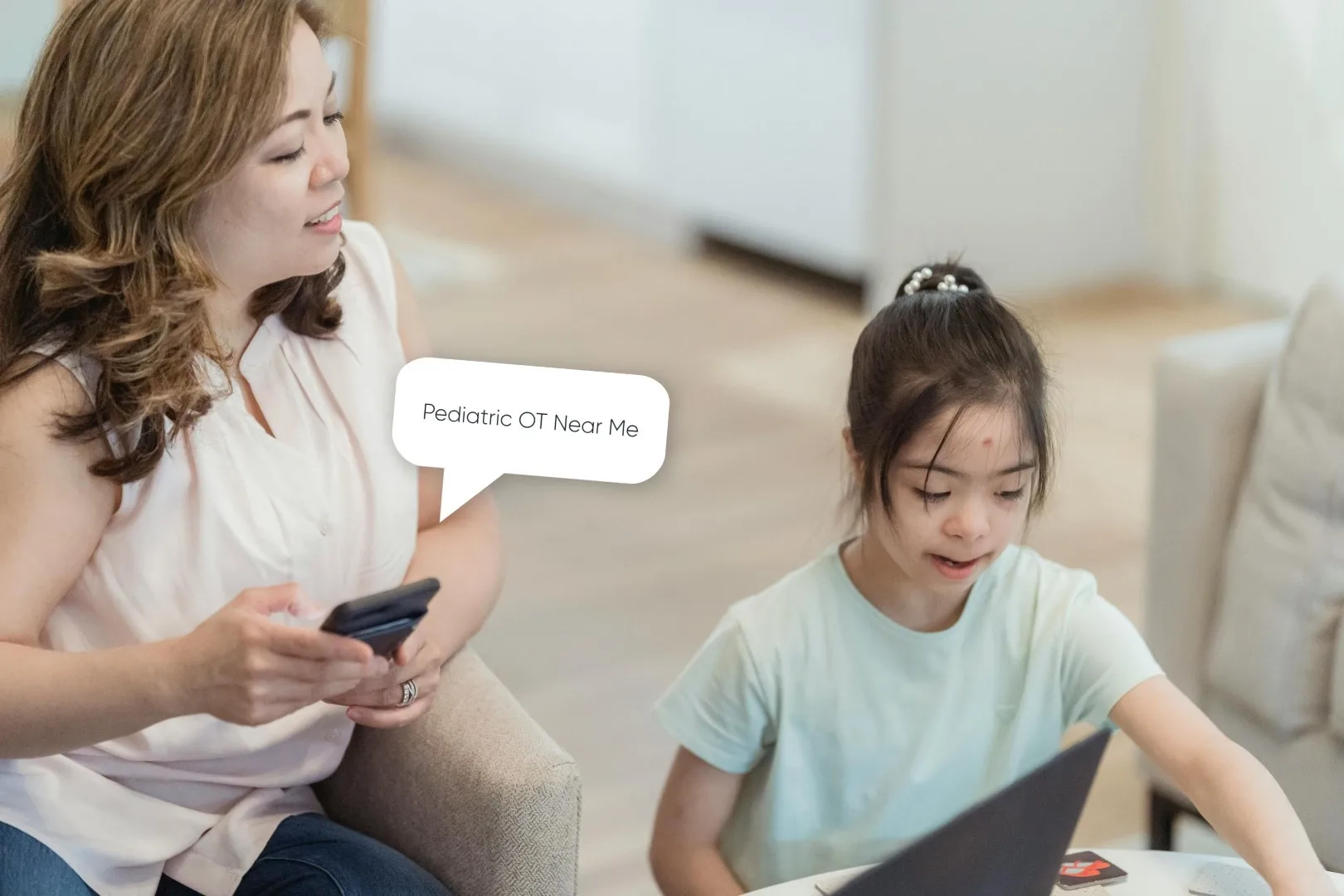
In the same way, your website and Google Business Profile (GBP) are bridges between your practice and the families searching for help. When parents type “speech therapy near me” into Google, you want your practice to be one of the first they see, not hidden beneath hospital listings or outdated directories.
A Google Business Profile helps your practice appear in Google Maps and local search results, ensuring families in your community can easily find your hours, services, and contact information. For SLPs serving schools, early intervention programs, or private clinics, this local visibility is essential.
Here’s how to set up and optimize your Google Business Profile so your practice can show up when the right families are searching for help.
The Benefits of Setting Up a Google Business Profile
Your Google Business Profile is more than just a listing, it is your digital first impression, and a well-optimized profile can do more than just improve SEO. Here’s why it matters:
- Appear in Google Maps and local search results: Families searching for speech therapy services nearby can find you quickly.
- Share essential information: Hours, contact info, directions, and links to your website.
- Build trust: Showcase your credentials, photos, and reviews to help parents and caregivers feel confident choosing your practice.
- Boost SEO: Link your website, include keywords, and define your service area to attract the right clients.
- Generate direct inquiries: Families can reach out without relying on paid ads or third-party directories.
Pro Tip: Your Google Business Profile is your digital first impression, it should reflect the same warmth and professionalism you bring to your sessions.
Step-by-Step: How to Set Up Your Google Business Profile
Setting up your GBP is like laying planks on a bridge, each step strengthens the connection between your practice and the families who need your help.
- Go to google.com/business and sign in with your Google account.
- Enter your practice name.
- If your name already exists, claim the listing.
- If your name already exists, claim the listing.
- Add your address or service area.
- For in-home or school-based sessions, you can hide your physical address and list only your service area.
- For in-home or school-based sessions, you can hide your physical address and list only your service area.
- Select your primary category (see below for a list of suggested categories).
- Add your contact details: Website, phone number, and booking or intake link.
- Verify your business via postcard, email, video, or phone.
- Complete your profile by adding:
- Business hours
- Services offered
- Photos of your space, team, or therapy materials
Best Google Business Profile Categories for Speech Therapy Practices
Choosing the right categories helps Google match your profile with the families searching for your services. Suggested categories in 2026:
- Speech pathologist
- Pediatric clinic
- Child health care center
- Disability services
- Physical therapist
- Craniosacral therapy
- Occupational health service
- Occupational therapist
- Rehabilitation center
- Education center
- Child development center
- Applied behavior analysis therapist
- Learning center
Start with one primary category that best fits your specialty. Then add up to 8 secondary categories reflecting your unique services.
Optimize Your Profile for Search
Just as speech becomes clearer and more effective when practiced and refined, your digital bridge becomes stronger when you optimize it with thoughtful details. Consistency helps both clients and Google trust your practice, so keep your details identical across every platform.
- Write a clear, inviting business description: Explain who you help and how. Avoid keyword stuffing, write for humans first.
- Upload professional photos: Therapy rooms, play-based materials, and your team in action. Reminder: if you use photos of children, make sure they have a signed media release from the parents on file.
- Add posts regularly: Share milestone stories, clinic updates, or new programs.
- List detailed services: “Speech Delay Therapy”, “Articulation Therapy”, “Early Intervention”, “Social Communication Support”, etc.
- Keep your NAP consistent: Name, Address, Phone, ensure it matches across your website and all directories.
- Add accepted insurances: This section is located under “attributes”
Why Reviews Matter (and How to Get Them Ethically)
Reviews are like signposts on your bridge, showing families that others have successfully crossed from searching to receiving care.
- Reviews help parents feel confident choosing your practice.
- They improve your ranking in local search results.
- Remember HIPAA, never confirm someone who left a review is a client.
- The ASHA Code of Ethics requires truthful advertising and respect for client privacy.
- Instead of soliciting reviews directly from clients, encourage feedback from caregivers, educators, or professional collaborators, like referring pediatricians or OTs.
For a full guide on how to creatively ask for reviews and respond to them without violating HIPAA, download our Guide to Boost SEO with Online Reviews.
Wrapping It Up: Your Next Steps
A Google Business Profile helps your SLP practice get discovered, build trust, and grow your local visibility.
As you see every day working with your clients, speech is the bridge between thought and connection. A thoughtfully designed website is the bridge between your clients and you. Strengthening that bridge means families will find the support they need and your practice will thrive.
If you’re needing help connecting, our C3 Roadmap is a clear guide to building a bridge to new clients. Reach out today to get started!